Personal budget
See your income and spending and track where your money goes.
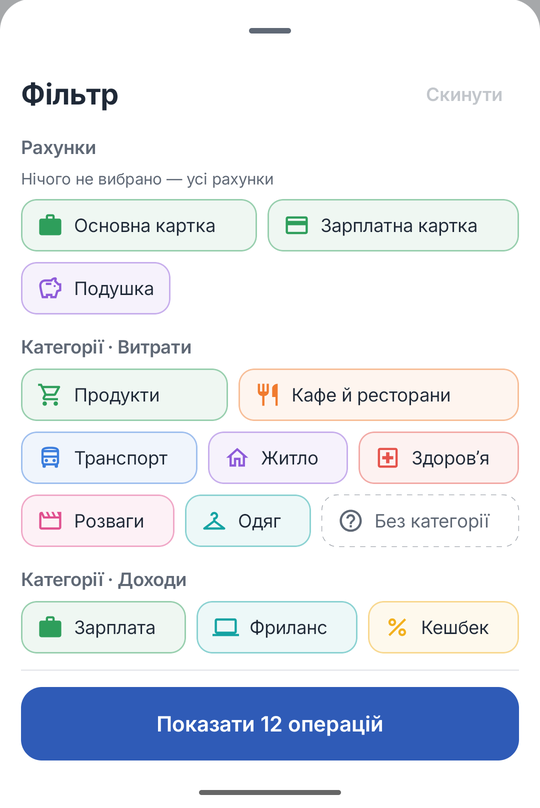
See your income, spending, and balance in one place, whether you budget on your own or together.
Get it on Google Play Free. For Android.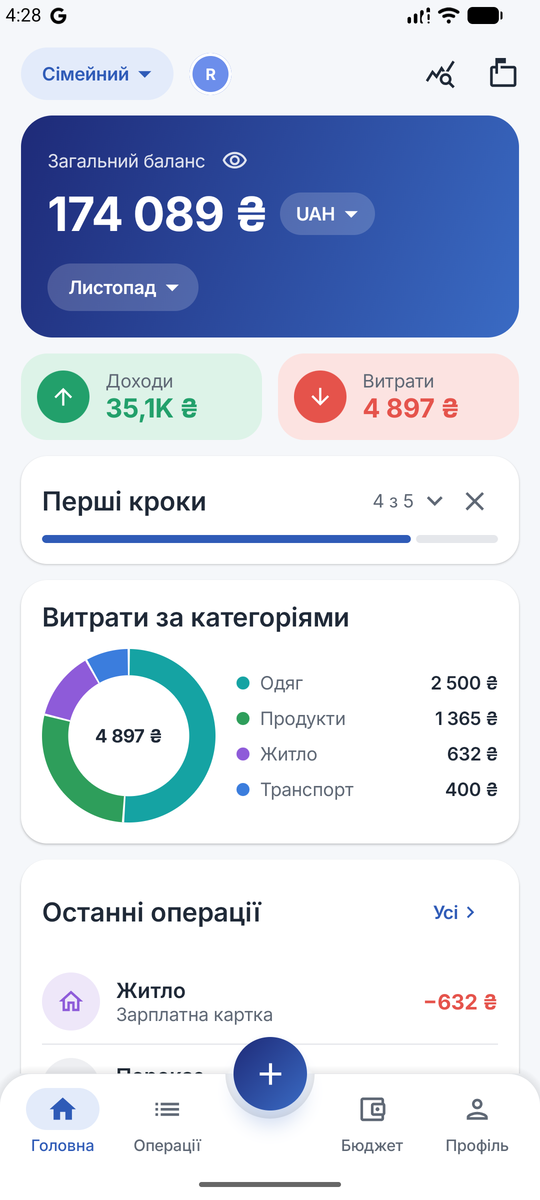
See your income and spending and track where your money goes.
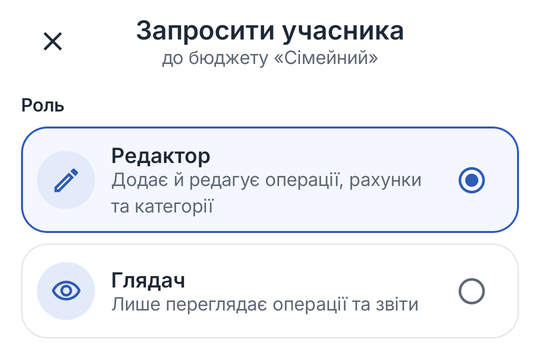
Invite your partner or family and choose a role for each person.
Track money in different currencies in a single budget.
Import monobank transactions automatically.
Scan a receipt to add an expense.
Yes. My Coin Keeper is free.
My Coin Keeper is currently available for Android only. An iOS version is in development.
Yes. You can keep a personal budget or share one with your partner or family.
In your budget settings, select “Invite a member”, choose a role, and share the invite code.
Editors can add and edit transactions, accounts, and categories. Viewers can see transactions and reports.
My Coin Keeper currently supports monobank. Support for more banks is in development.